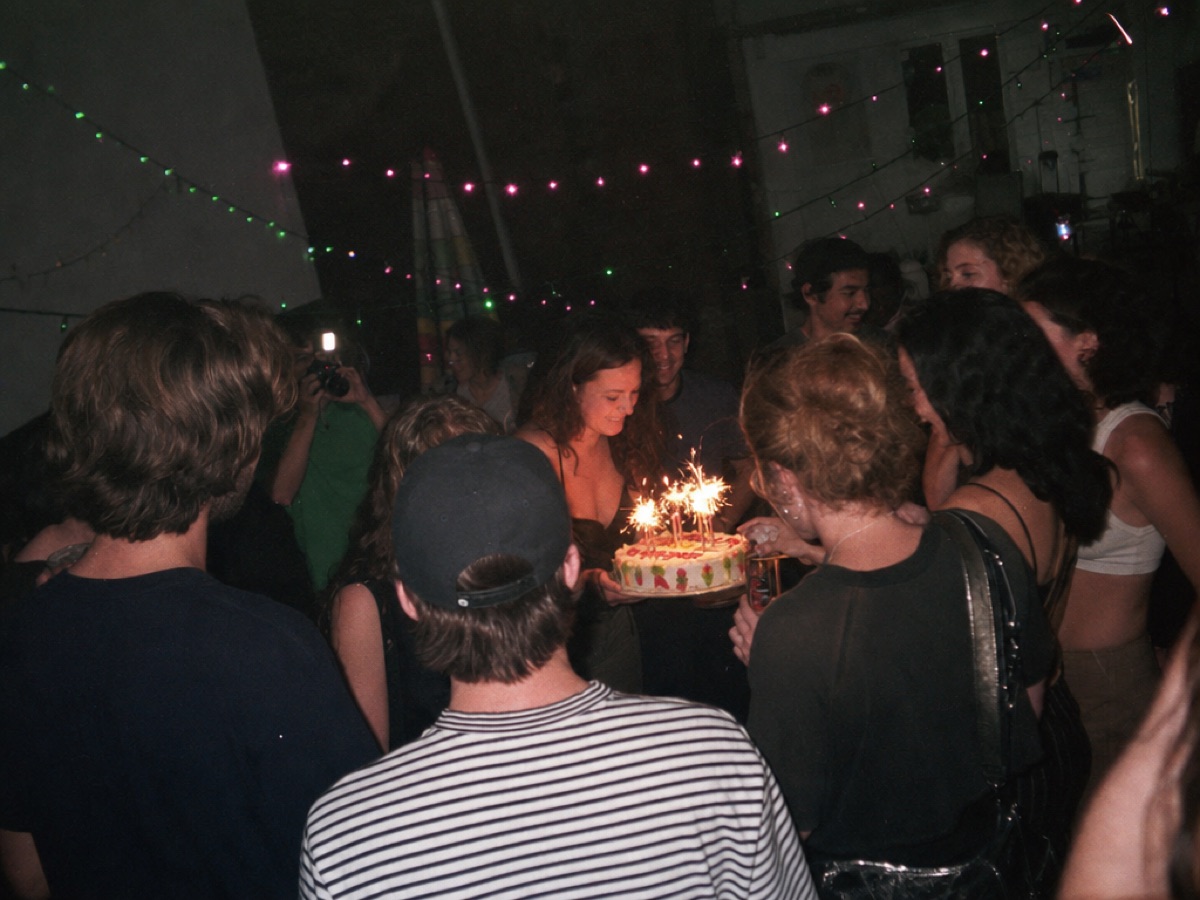
The milestones
Make a wish. Keep the moment.
Birthdays, graduations, baby showers, and the celebrations you’ll talk about for years.
The night from every angle. One QR code brings your guests’ photos and videos straight to your Google Drive.
Free to set up. $39 once to activate unlimited events.
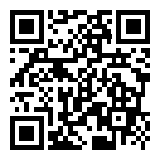
And now you can keep every perspective.
SCAN. SHARE. STAY IN THE MOMENT.
One gallery for every gathering.
One payment for all of them.
Birthdays, graduations, baby showers, and the celebrations you’ll talk about for years.

Team events, conferences, reunions, and all the moments between the planned ones.
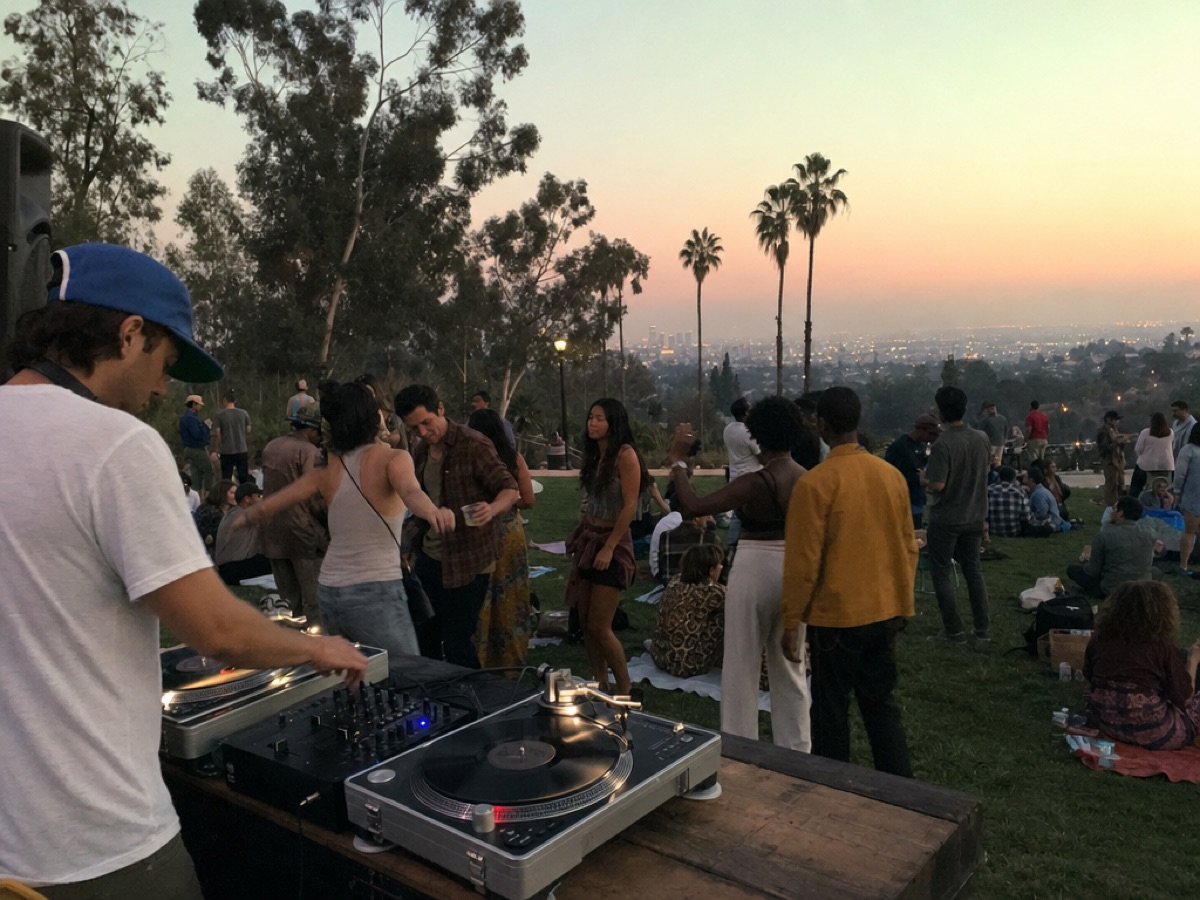
A picnic, a neighborhood gathering, a weekend with friends. Worth getting together. Worth keeping.
From the first hello to the last photo.
Here’s all there is to it.
Name your gallery, connect Google Drive, and make it yours. Get a QR code for the venue and a link to share with everyone.
Guests share straight from their phone’s browser. No download, account, or password. Turn on a live slideshow to bring the room together.
Full-resolution photos and videos land in your Google Drive, organized by guest. Your gallery stays open until you choose to deactivate it.
Every photo goes straight to your Google Drive, in folders named for your guests. Original files, ready to download, share, or revisit whenever you like.
Uploads use your available Google Drive storage.
 Your Google DriveJul 12 ’26 at 9:41 pm — Maya.jpgJul 12 ’26 at 7:05 pm — Dev.jpg
Unlimited events, unlimited guests, and every feature. From the next birthday to the next big thing.
Pay when you’re ready to activate your first event.
Upload capacity depends on your Google Drive storage.
A phone with internet access. Guests scan your QR code or open your event link, select photos, optionally add their name, and upload. There’s no app or account to create.
In your connected Google Drive, organized by guest. You own the original files and can download them anytime. Upload capacity depends on the storage available in your Google Drive.
Yes. One payment unlocks all features, unlimited events, and unlimited guests. Create an account for free and pay when you’re ready to activate your first event.
You choose whether guests can view the shared gallery or only upload. Anyone with the event link or QR code can access the guest experience you enable.
Yes. Deactivate the event from settings to stop new uploads. Your existing files remain in your Google Drive.
No guest app. No subscription. Just your photos.